

GlimmerCard Logo GlimmerCard

Holographic card studio

Turn your artwork into cards that catch the light.

GlimmerCard makes your own pictures into holographic cards: foil finishes, holo effects and real depth that shift as you tilt them. Then save them as images, print files or short videos.

Android · iPhone and iPad · Web. Free to start.

From Discover

Made in GlimmerCard

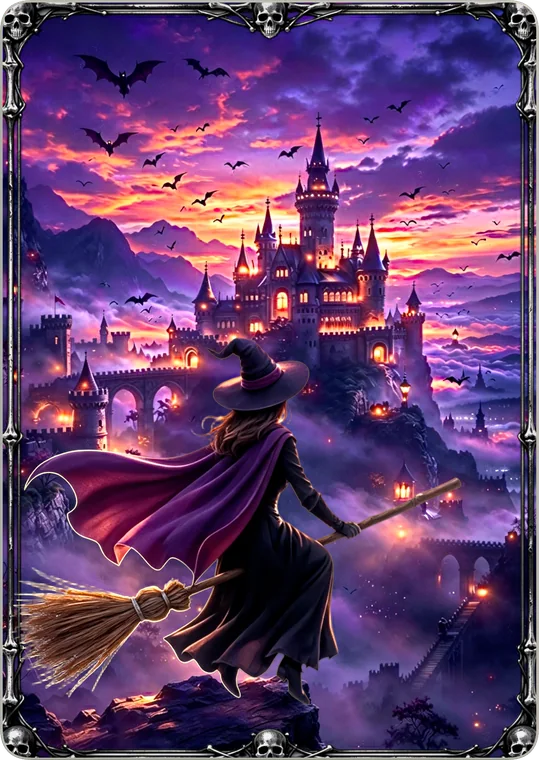
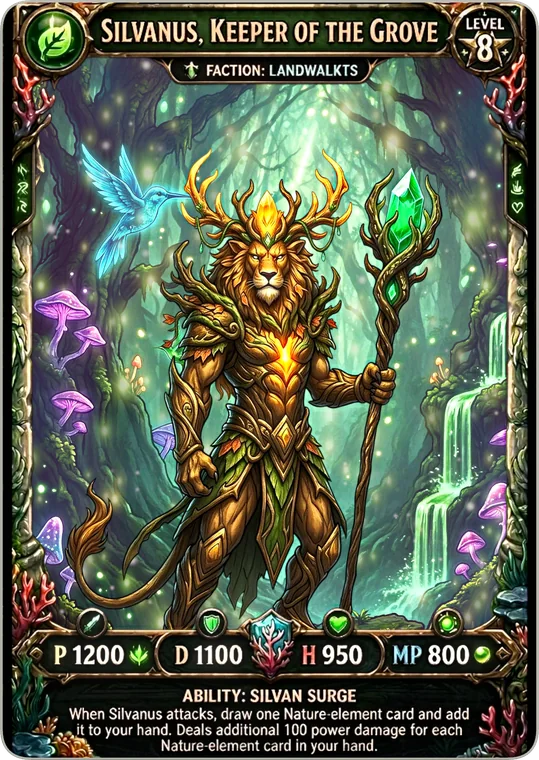
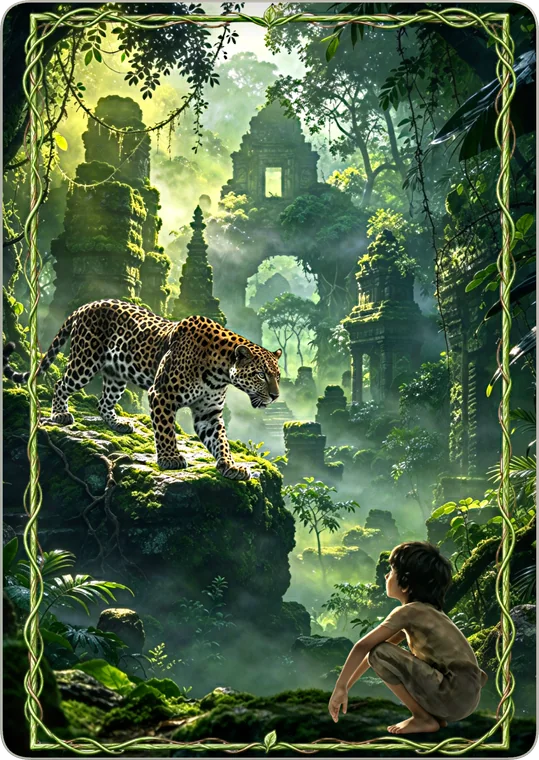
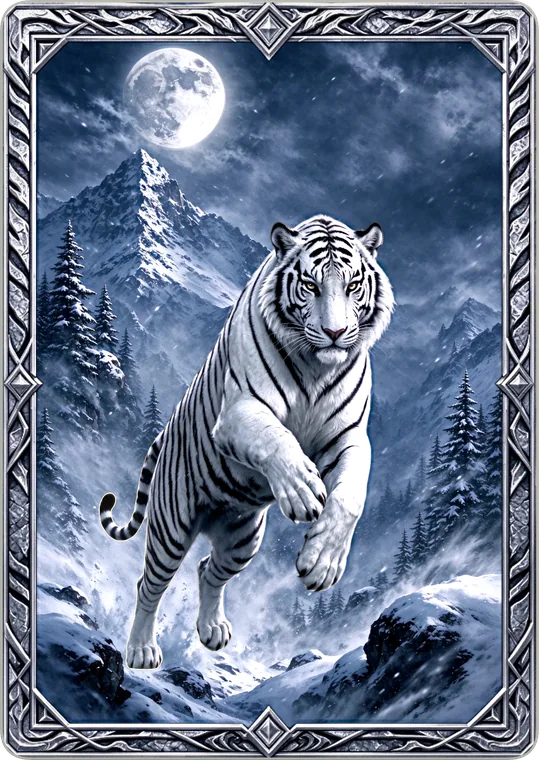
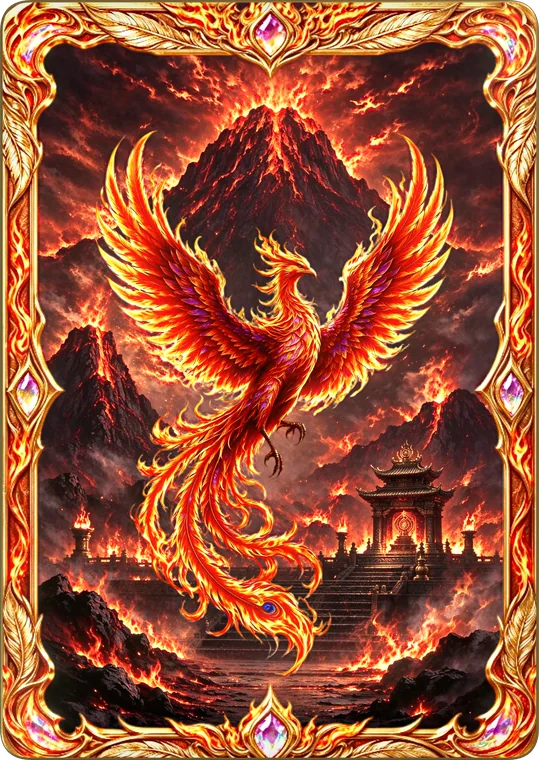
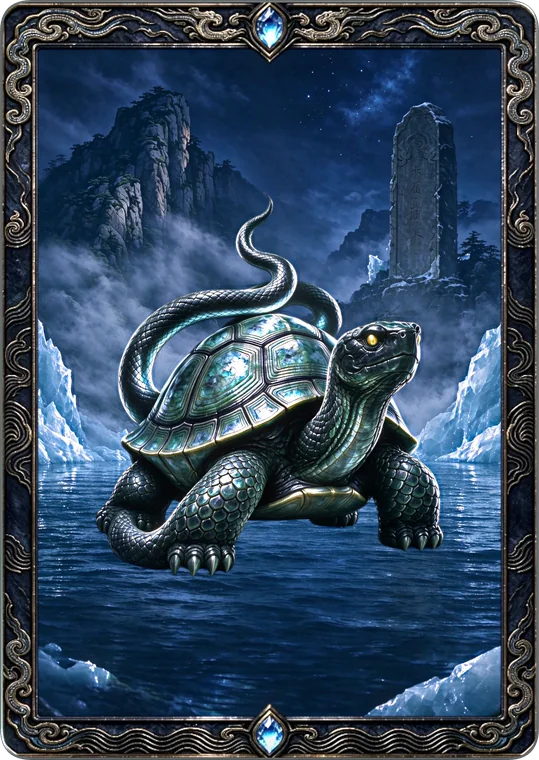
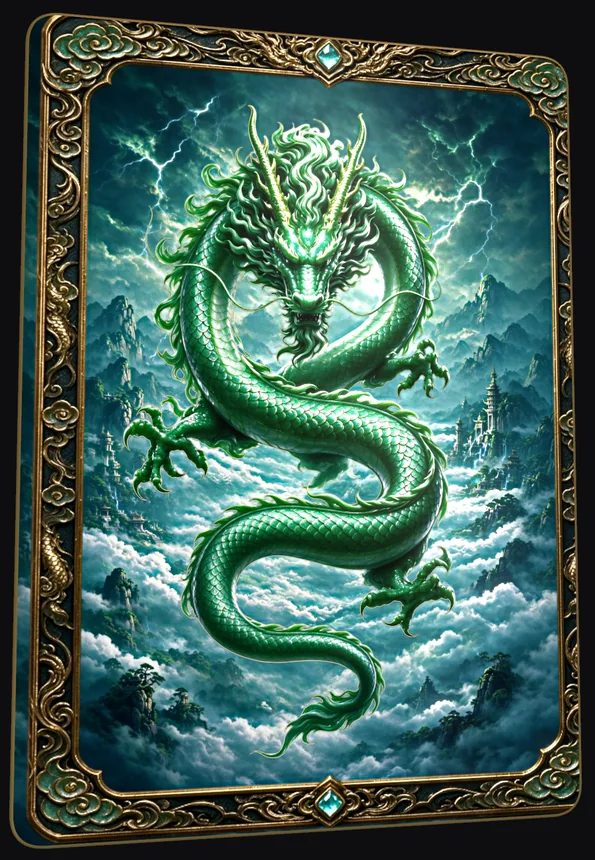
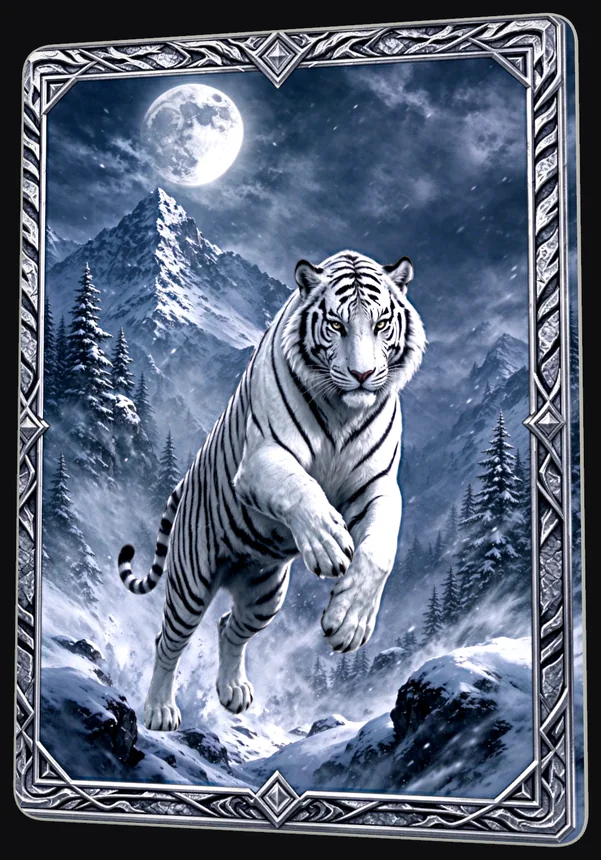
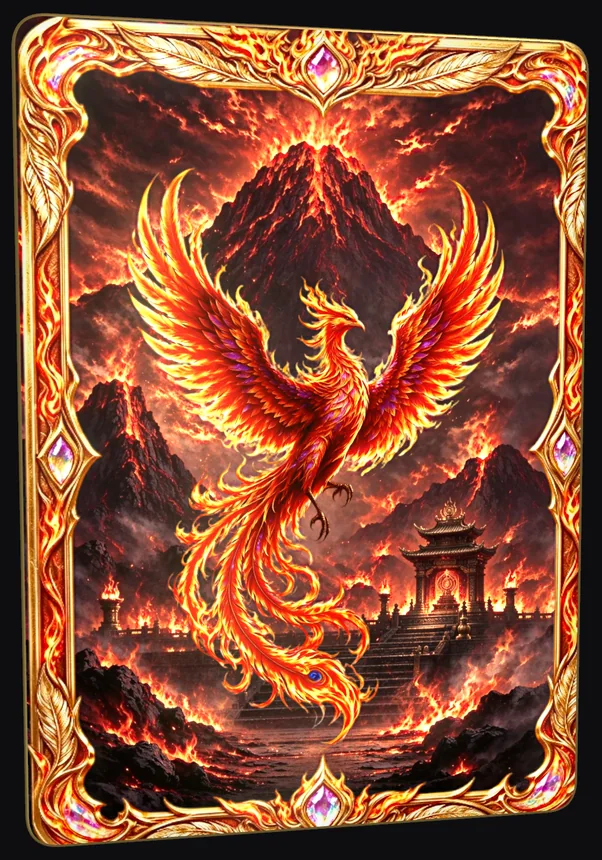
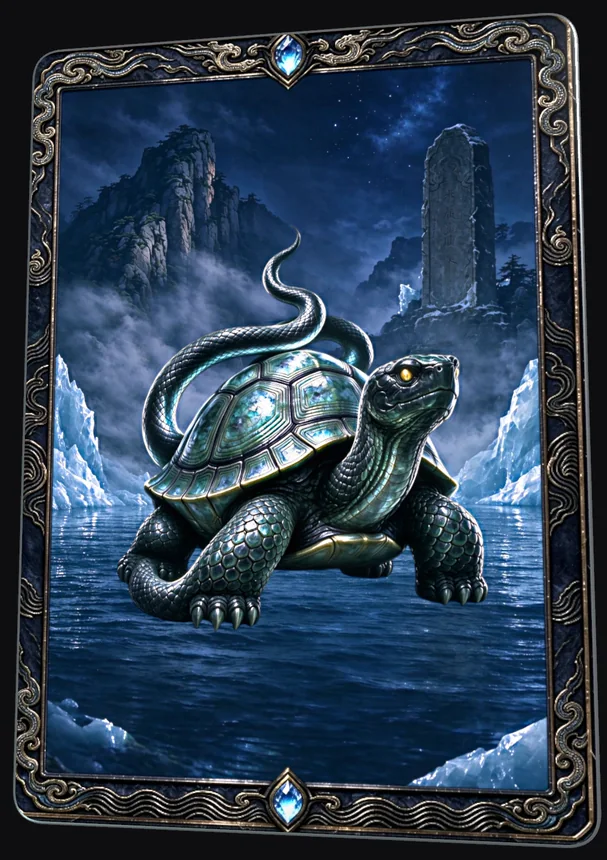
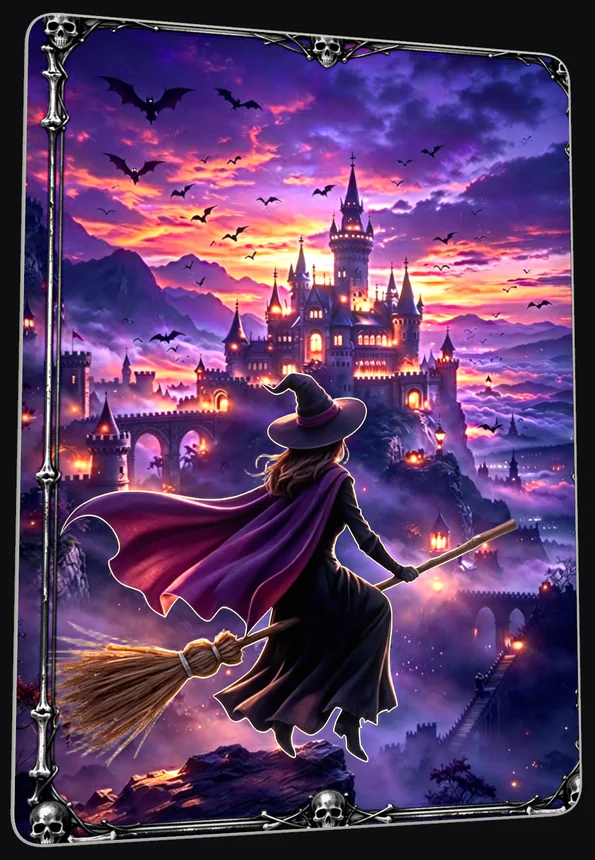
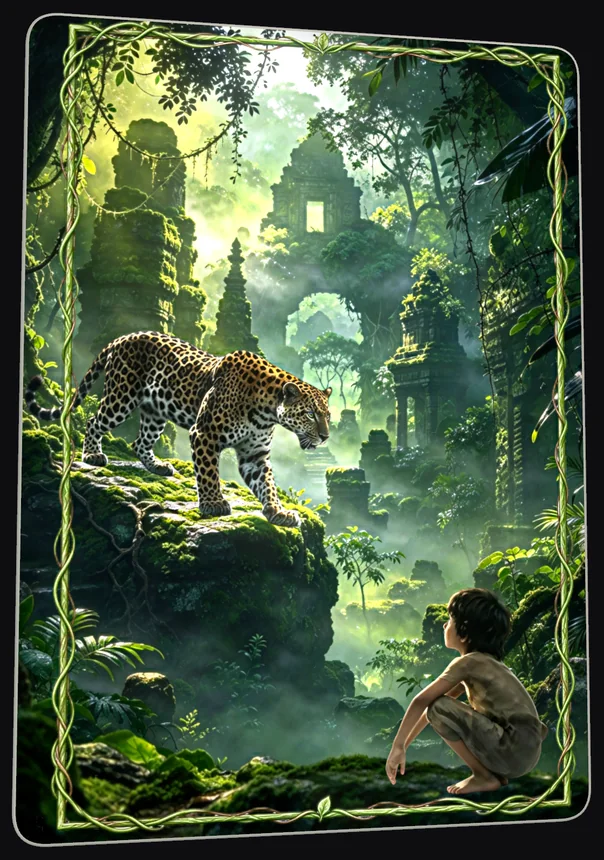
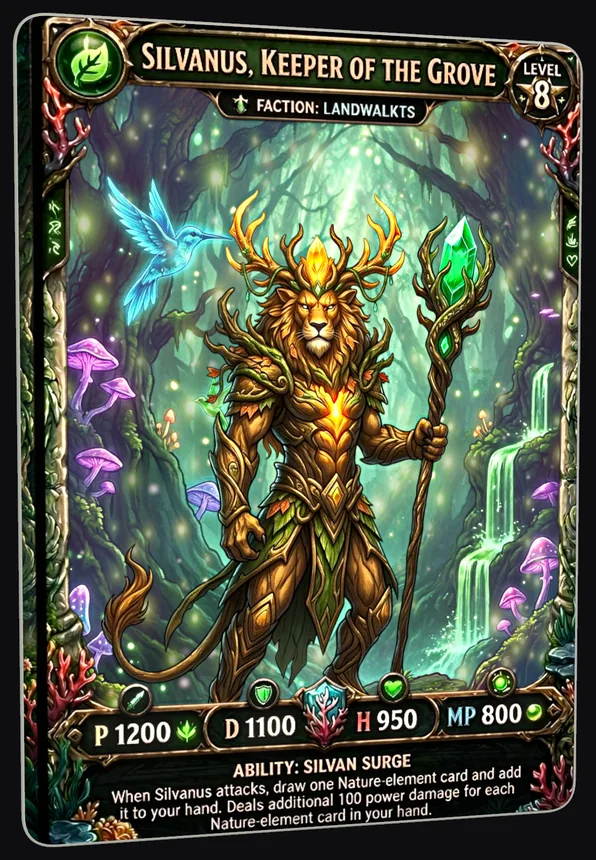
A selection from Discover, the gallery of cards made by the GlimmerCard team. Each one is a single picture, given a finish, a holo effect and layers of depth in the app.

How it works

One picture in, a card that moves out

Add a photo or artwork, choose a shape and crop, and build the card in Studio. Everything you change shows on the card as you tilt it.

Finishes and holo effects

Start from Original, Pearl, Silver or Gold, then add one of dozens of holo effects: spectrum sheens, sparkle, facets and lines, laser foils and coatings. Apply them to the whole card, just the background or subject, or an area you paint.
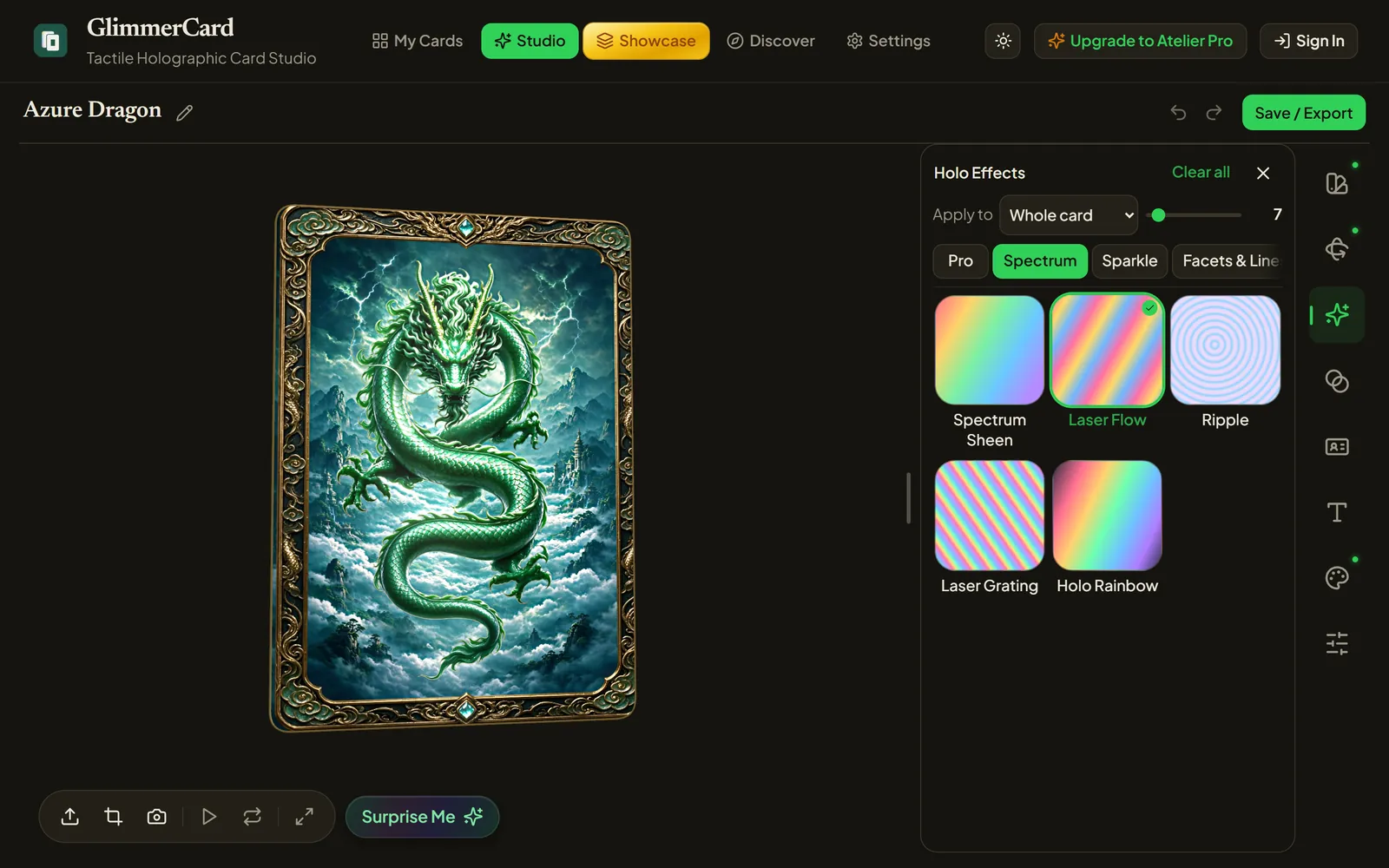
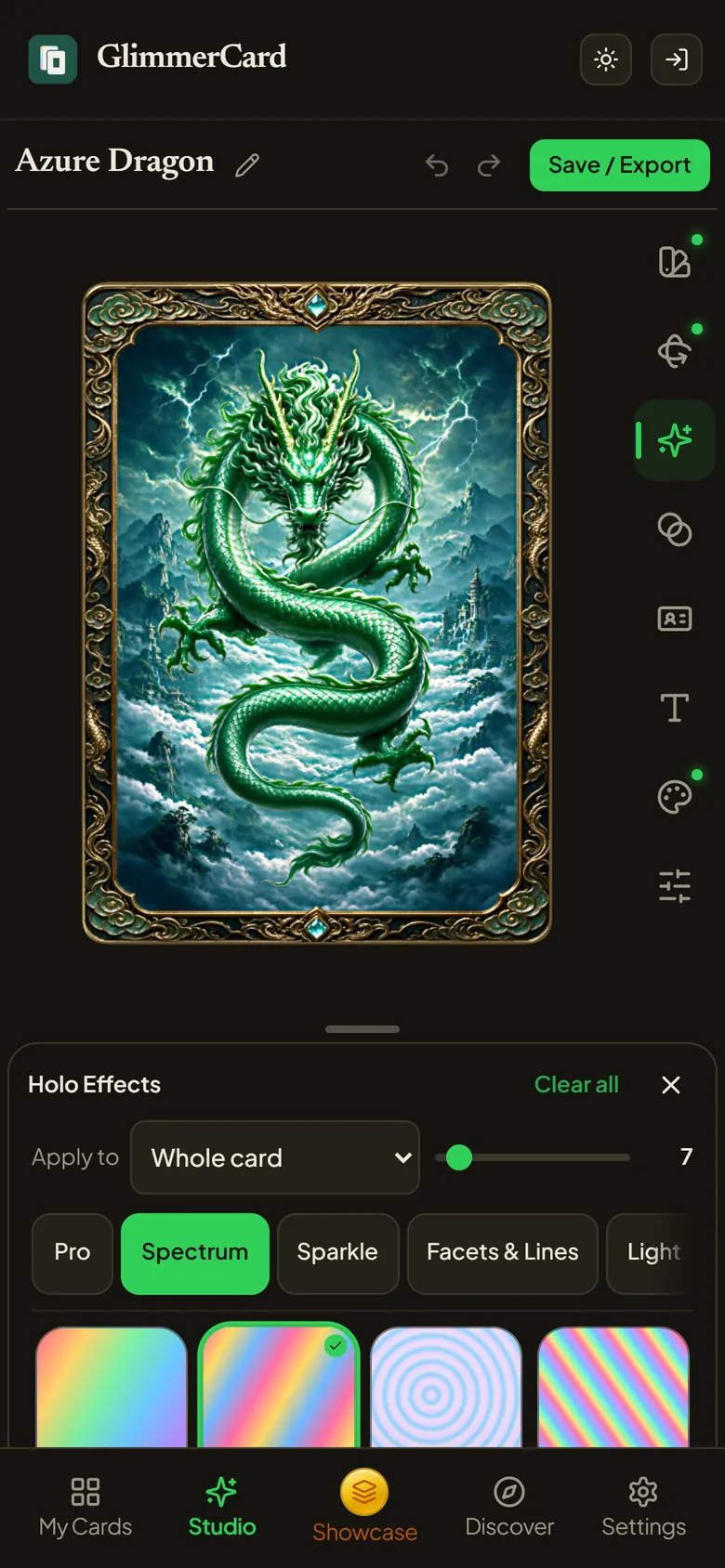
GlimmerCard Studio on desktop, with the Holo Effects panel open beside the Azure Dragon card
Studio on a phone with the Holo Effects panel
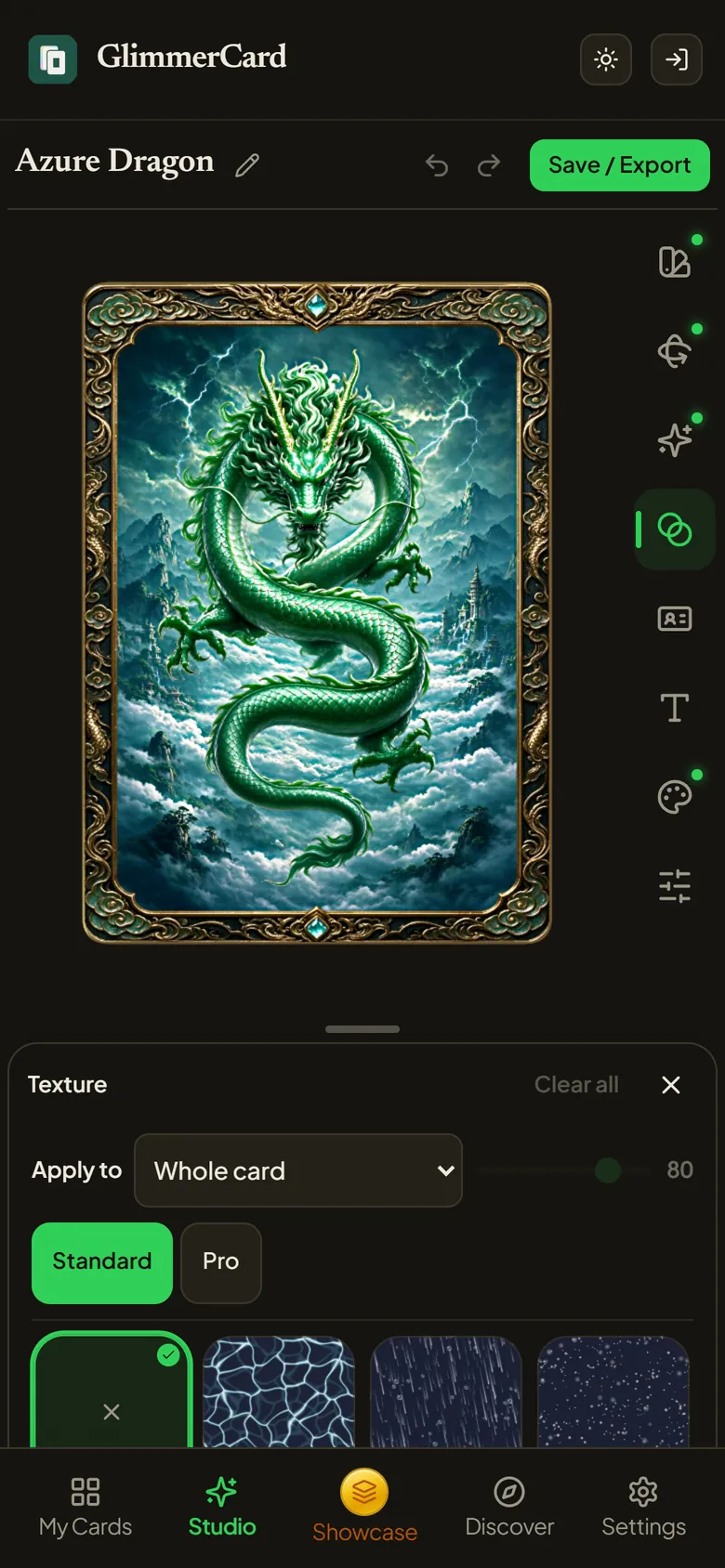
Studio on a phone with the Texture panel

Depth you can feel

Separate the subject from its background with one tap, and the card gains real layers that shift as it turns.

  • Subject separation runs on your device; your pictures are not sent to an AI service.
  • Frames and pictures in front of the subject, with outlines that glow.
  • Animated textures, starfields and text that sits at its own depth.
  • A custom card back, from built-in designs or your own image.
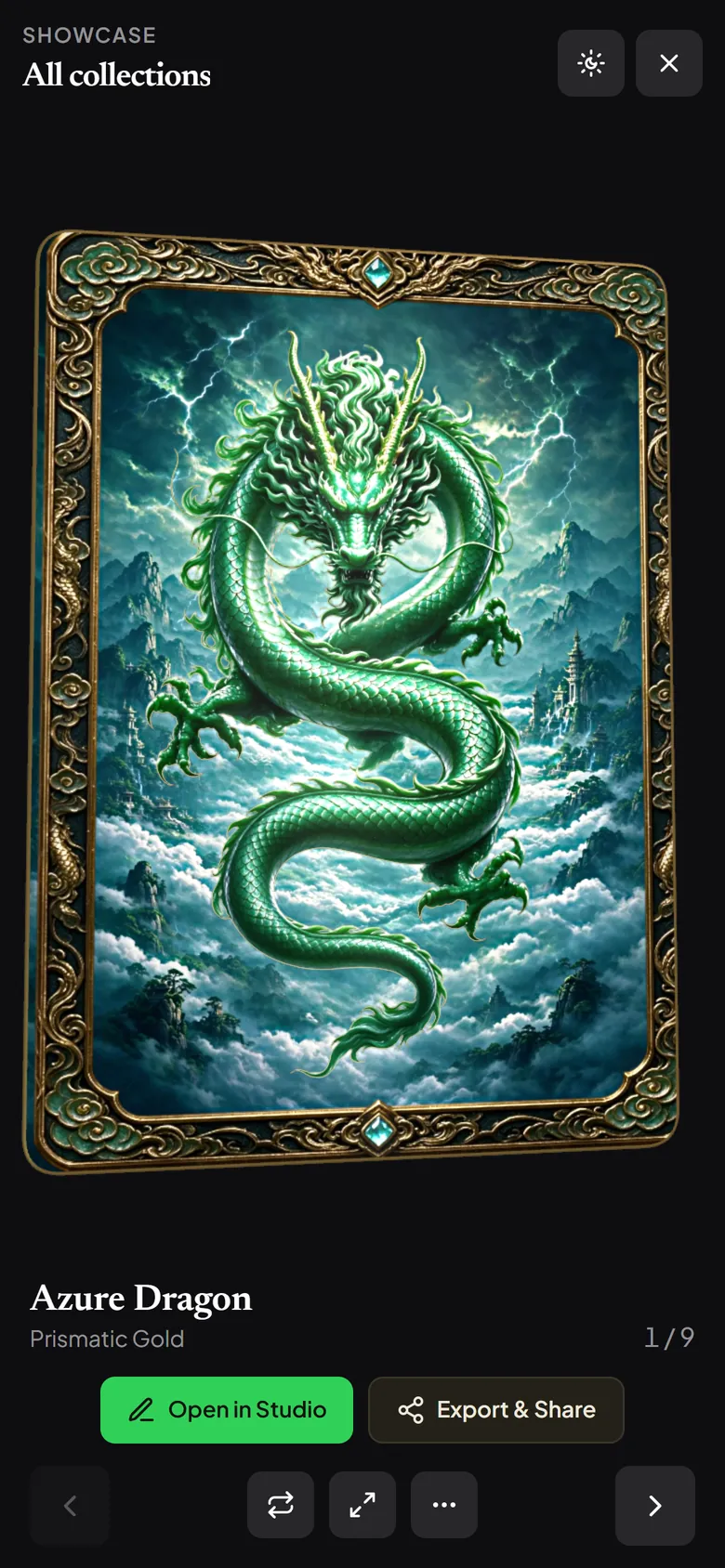
Showcase on a phone, displaying the Azure Dragon card

Showcase your collection

Showcase puts your cards on a dark stage. Drag to tilt, tap to flip, or move your phone and watch the light travel across the foil. Play motion runs the card through its showcase routine.

  • Keep cards in collections and pick up where you left off on any device.
  • Choose the backdrop that suits the card.
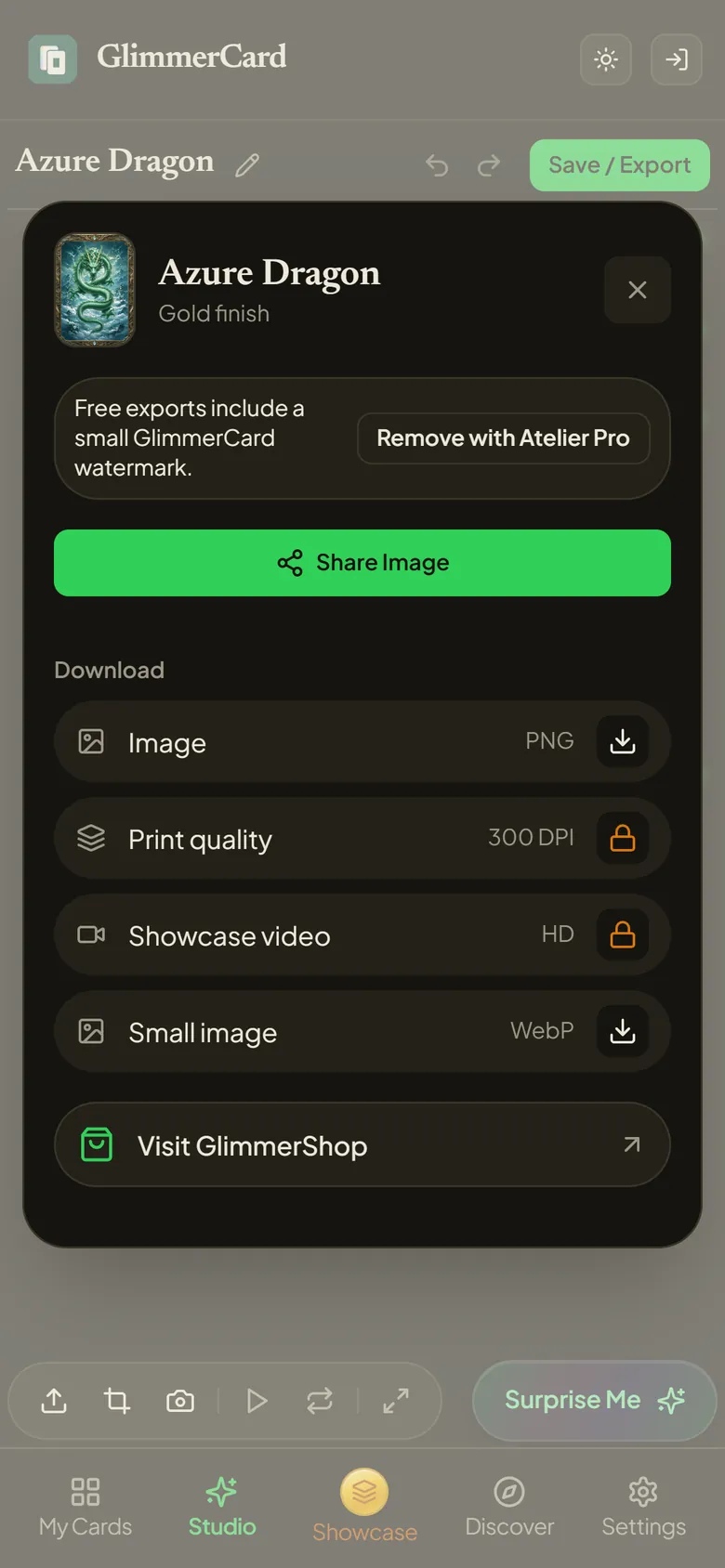
The Export and Share dialog for the Azure Dragon card

Save it, share it, print it

Export a card as an image to share, a 300 DPI print file, or a showcase video in vertical, square or card shape, ready for stories and posts.

Privacy

Your pictures stay yours

Private by default

Your cards are visible only to you. There is no public profile and no feed of other people's cards.

Processed on your device

Subject separation, depth and every export are made on your phone or computer.

Location removed

Photo metadata, including where it was taken, is stripped before an image leaves your device.

No ads, no tracking

GlimmerCard has no advertising or analytics software, and never trains AI on your work.

Read the full privacy policy.

Plans

Free to make. Pro to go further.

Every editing tool is free. Atelier Pro removes the limits and the watermark.

Free

With a free account

  • Every finish, holo effect, layer and texture
  • 3 saved cards and 2 collections, synced across devices
  • Image and showcase video exports, with a small watermark
  • On Android and iPhone, try it without an account

Atelier Pro

Monthly or yearly subscription · price shown in the app

  • Unlimited cards and collections
  • Exports without a watermark
  • 300 DPI print files
  • The Atelier Pro collection of effects and textures

Make your first card

Open GlimmerCard in your browser, or get the app for your phone or tablet.